













Ski Mode: Complete Guide & Tips
|
|
Time to read 5.666666666666667 min
|
|
Time to read 5.666666666666667 min
Note: Ski Mode is currently only available on the HOVERAir X1 PRO and PROMAX models.
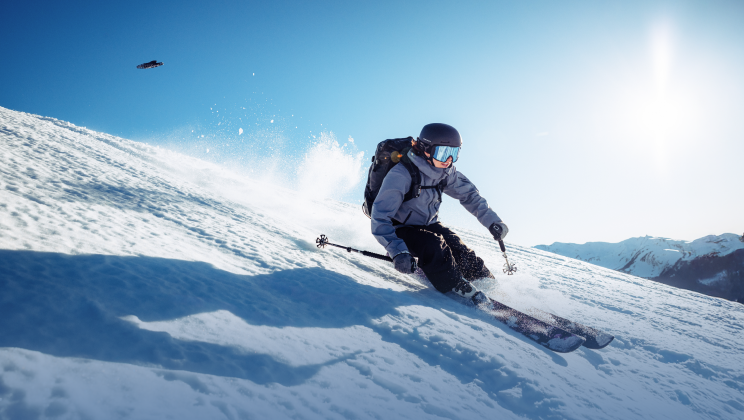
Ski Mode is a purpose-built flight mode for skiing, snowboarding, and other high-speed snow sports. It allows the X1 PRO & PROMAX to automatically track your movement while maintaining smooth, cinematic footage, even on steep or snowy slopes. Compared to regular Follow Mode, Ski Mode provides:
Ski Mode lets you focus on skiing while the drone handles following, framing, and exposure adjustments automatically, ensuring professional-looking footage with minimal effort.
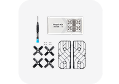
If snow comes into contact with the drone, melted snow can potentially cause damage and void the warranty. Apply waterproof Ski Stickers before takeoff to minimize risk. Remove them after skiing.
Tip: Avoid using Ski Stickers in warm weather above 15°C / 50°F, as this may cause overheating.
Cold temperatures can reduce battery performance. For operation below 0°C:
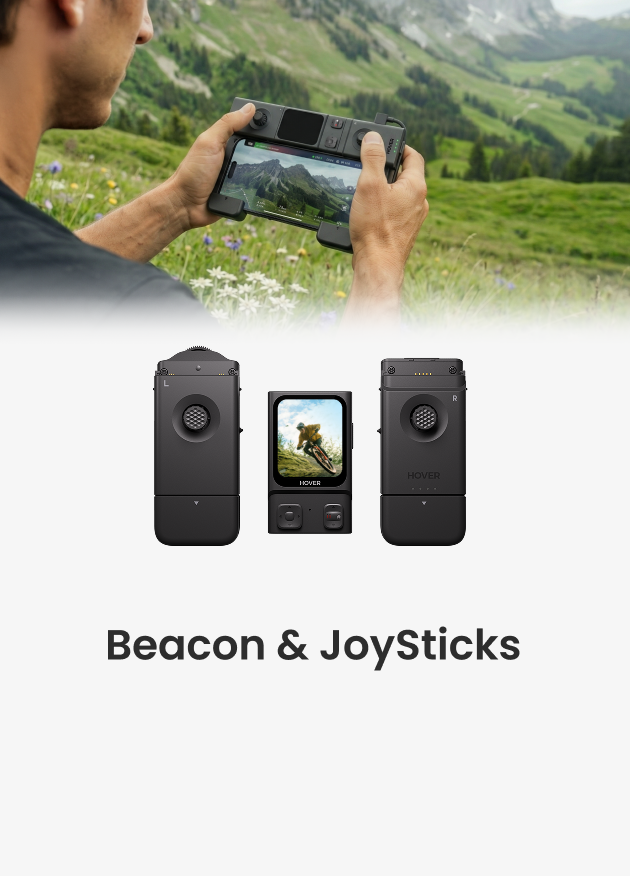
Included in both the Ski Bundle and the All-In-One Bundle, the Beacon elevates your skiing and snowboarding experience with essential controls such as Live Preview and Return-to-Beacon. Purpose-built for mountain environments, the Beacon enables hands-free filming and smarter flight control, giving you safer, more reliable, and worry-free performance on the slopes.
You can adjust the settings using the App or the Beacon:
Proper preparation ensures smoother footage, safer operation, and optimal battery usage in challenging snow conditions.
Return to Beacon and Emergency Control: If you do find yourself far away from your device, you can instantly recall the drone back to you using Return-to-Beacon.
In case of unexpected wind or obstacles, Emergency Control lets you manually guide the drone to safety at any time.
Find my hover: Beacon also includes a Find My HOVER function — simply open the QR code on the Beacon display, scan it with your phone, and you can locate your drone’s position instantly if it lands out of view. This makes retrieval fast and stress-free, especially on wide-open slopes or tree zones.
Ski Mode offers two tracking angles to capture your descent:
You can also adjust Follow Sensitivity in the X1 app to control how actively the drone moves left and right. For frequent, irregular, or high-intensity movements, choose High Sensitivity for quicker response. Otherwise, select Low Sensitivity to keep the camera motion smoother and more cinematic.
Enable Ski Mode Copilot to act as your virtual cameraman. Use the Beacon during the flight to adjust the framing and gimbal tilt while your Hover is following you.
Smart Ascend automatically raises the drone when detecting other people or obstacles, reducing collision risks. To use this feature, make sure it is enabled in the X1 App before your flight. This is especially useful on:
Smart Ascend improves safety while adding vertical motion to your shots, creating more dynamic and cinematic footage.
Even with Smart Ascend on, please always be mindful of your surroundings and respectful of other people.
For skiing and snowboarding, we recommend the Ski Bundle as the ideal setup. It includes not only the Beacon for safer flights and easy mid-run control, but also the PowerCase, Thermo Battery, and Ski Stickers—all designed to help your HOVERAir X1 PRO & PROMAX perform reliably in harsh mountain conditions.
The Thermo Battery intelligently self-heats before takeoff, ensuring stable voltage and dependable performance even at –20°C. Paired with the PowerCase, you get:
The Ski Stickers provide additional labeling and protection, making it easier to manage gear during fast-paced ski sessions. With Beacon + PowerCase + Thermo Battery + Ski Stickers, the Ski Bundle gives you everything you need for safe, worry-free, and uninterrupted filming on the mountain. Know more about Power system in cold weather: https://hoverair.com/blogs/tech/cold-weather-power-system
Terrain & Modes: Use Open Areas mode for wide ski runs and Narrow Environment for tree glades or crowded trails.
Flight Speed & Height: Adjust according to terrain and skill level. Dolly Track works best at slower speeds; Back Follow handles fast slopes safely. Copilot add professional-grade cinematic variety to your footage.
Angles: Use Back Follow to capture movement and surroundings; Dolly Track emphasizes facial expressions and detailed action.
Cold Weather: Thermo Battery and PowerCase enable reliable operation down to -20°C.
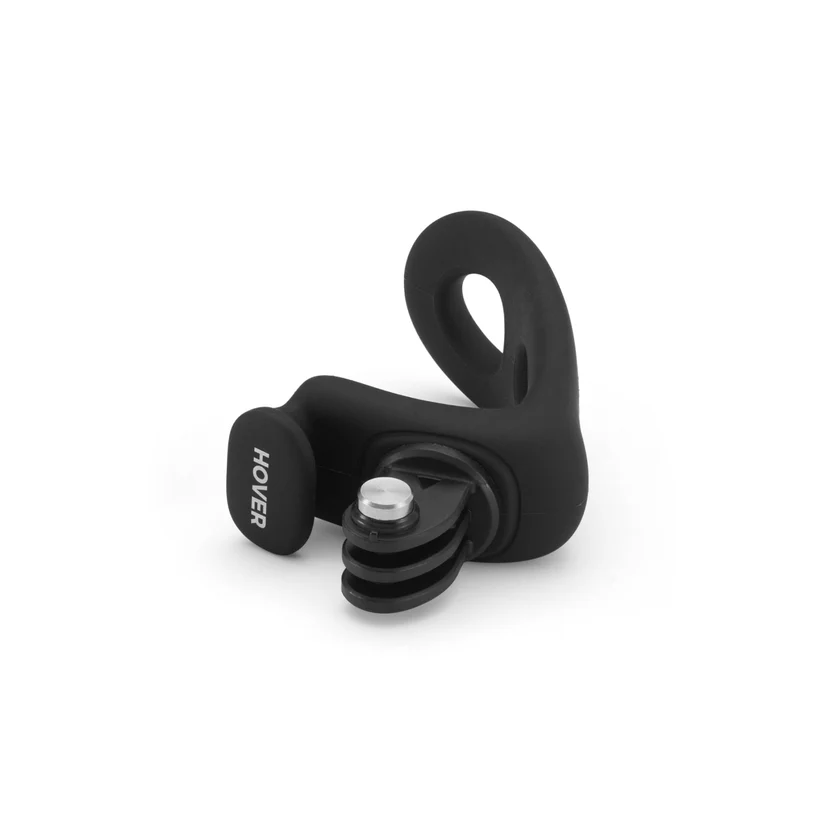
Beacon: Wear the Beacon on your helmet or clip it to your goggle strap with the top facing up for a strong signal, and make sure to follow the Beacon tutorial for proper use.
Avoid Issues: Ensure sufficient space for maneuvering and monitor battery levels closely.
Creative Variation: Switching between Back Follow and Dolly Track mid-session can enhance footage diversity.
Back Follow + Scenic Capture: Showcase speed and surrounding landscapes simultaneously.
Alternative Techniques:
Ski Mode not responding or footage unstable → Check app connection and ensure firmware is up to date
Dolly Track not selectable → Confirm Ski Mode is active and drone is in a safe, open area
Smart Ascend fails → Ensure sensors are clean and unobstructed
Ski Mode transforms your X1 PRO & PROMAX into the ultimate companion for snow sports. Features like Smart Ascend provide creative flexibility while ensuring safe, smooth footage. Experiment with different modes, switch angles, and capture your best skiing moments effortlessly.
Note: Always verify local regulations at ski resorts before flying to ensure compliance and safety.
Latest Articles

Most drones handle the sky beautifully, but they become fragile the second they encounter a lake or a heavy splash of sea spray. If you want to know what kind...
Most drones handle the sky beautifully, but they become fragile the second they encounter a lake or a heavy splash of sea spray. If you want to know what kind...

Ever searched for a drone that can automatically follow your kayaking trips? If you ask around, most people will tell you it's impossible without a skilled pilot on the beach...
Ever searched for a drone that can automatically follow your kayaking trips? If you ask around, most people will tell you it's impossible without a skilled pilot on the beach...

The HOVERAir AQUA has been designed with the water fully in mind. In addition to the technical challenges of creating a fully waterproof drone under 250g, we also carefully considered...
The HOVERAir AQUA has been designed with the water fully in mind. In addition to the technical challenges of creating a fully waterproof drone under 250g, we also carefully considered...

HOVERAir VERSA combines handheld filming and self-flying capture in one compact device. This guide covers everything you need to get started, from setting up your VERSA to capturing your first...
HOVERAir VERSA combines handheld filming and self-flying capture in one compact device. This guide covers everything you need to get started, from setting up your VERSA to capturing your first...

The standard advice for filming a solo water session is always the same: skip the drone and buy a 360 camera on a long stick. Until recently, that was the...
The standard advice for filming a solo water session is always the same: skip the drone and buy a 360 camera on a long stick. Until recently, that was the...

The Beacon and JoySticks serve as HOVERAir's all-new remote control solution, fully compatible across our entire lineup—from the X1 and X1 PRO/PROMAX to the AQUA. Acting as a unique tri-state...
The Beacon and JoySticks serve as HOVERAir's all-new remote control solution, fully compatible across our entire lineup—from the X1 and X1 PRO/PROMAX to the AQUA. Acting as a unique tri-state...


