













HOVERLink
|
|
Time to read 3.1911111111111112 min
|
|
Time to read 3.1911111111111112 min
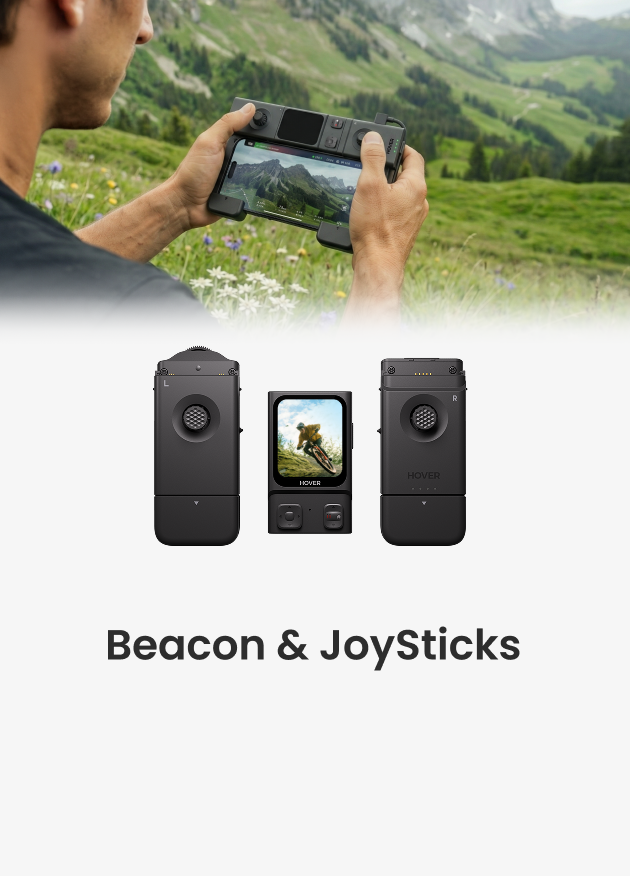
HoverLink will provide additional tracking information to supplement visual tracking, allowing your device to know if you've been occluded or lost. First, pair your Beacon to your X1 PRO or PROMAX. Make sure the green link icon on the Beacon is fully lit to confirm that HoverLink is active.
If the upper half of the icon appears gray, wait for the OmniTerrain icon on your X1 PRO or PROMAX to turn on. Ensure the flying camera is right side up, level, and placed in an open area. Watch the video to know how to activate the HOVERLink.
If the lower half of the icon appears gray, make sure the Beacon is right side up and positioned in an open space.
HoverLink is now available in Follow mode, enabling continuous signal connection between the Beacon and the flying camera. This strengthens tracking precision and provides more stable camera movement.
If the flying camera begins to follow the incorrect subject and detects a difference between its visual target's location and the Beacon's location, it will automatically stop and hover in place. For instance, if the wrong target is 5-10 meters away from the user with the Beacon, the flying camera will recognize the error and halt.
Note: We are continuously working to improve visual tracking accuracy.
HoverLink functionality is under ongoing development. We plan to extend HoverLink support across more modes and optimize its performance for a wider range of scenarios.
Latest Articles

Most drones handle the sky beautifully, but they become fragile the second they encounter a lake or a heavy splash of sea spray. If you want to know what kind...
Most drones handle the sky beautifully, but they become fragile the second they encounter a lake or a heavy splash of sea spray. If you want to know what kind...

Ever searched for a drone that can automatically follow your kayaking trips? If you ask around, most people will tell you it's impossible without a skilled pilot on the beach...
Ever searched for a drone that can automatically follow your kayaking trips? If you ask around, most people will tell you it's impossible without a skilled pilot on the beach...

The HOVERAir AQUA has been designed with the water fully in mind. In addition to the technical challenges of creating a fully waterproof drone under 250g, we also carefully considered...
The HOVERAir AQUA has been designed with the water fully in mind. In addition to the technical challenges of creating a fully waterproof drone under 250g, we also carefully considered...

HOVERAir VERSA combines handheld filming and self-flying capture in one compact device. This guide covers everything you need to get started, from setting up your VERSA to capturing your first...
HOVERAir VERSA combines handheld filming and self-flying capture in one compact device. This guide covers everything you need to get started, from setting up your VERSA to capturing your first...

The standard advice for filming a solo water session is always the same: skip the drone and buy a 360 camera on a long stick. Until recently, that was the...
The standard advice for filming a solo water session is always the same: skip the drone and buy a 360 camera on a long stick. Until recently, that was the...

The Beacon and JoySticks serve as HOVERAir's all-new remote control solution, fully compatible across our entire lineup—from the X1 and X1 PRO/PROMAX to the AQUA. Acting as a unique tri-state...
The Beacon and JoySticks serve as HOVERAir's all-new remote control solution, fully compatible across our entire lineup—from the X1 and X1 PRO/PROMAX to the AQUA. Acting as a unique tri-state...

