


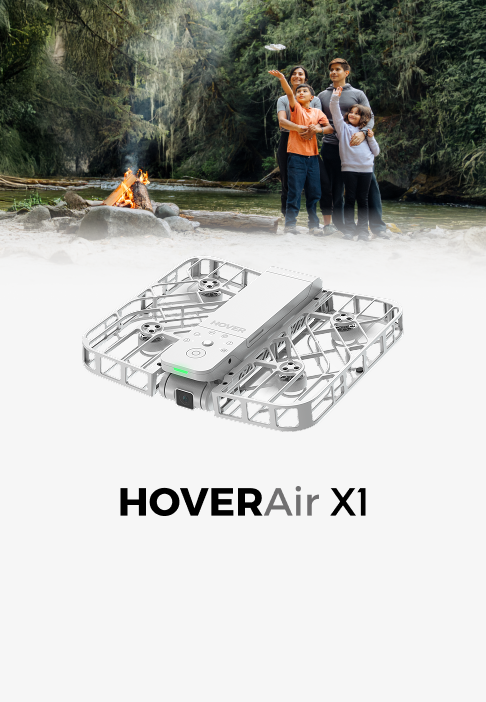













New Feature Angle Track (formly "Side Track") Mode Is Now Online!

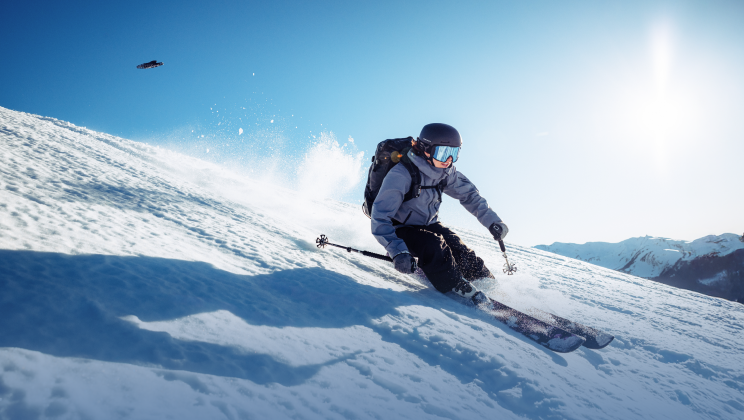
Are you looking for new ways to capture you while you're on the move? In addition to the HOVERAir X1's existing Back Follow and Dolly Track (front follow) modes, the side track feature is now online. This feature is great for skateboarding, running, cycling, and more. Let's take a look now!
What is the Angle Track mode?
Side track as the name suggests will follow you from the side as you are moving up to 18km/h (11mph) ! Want to know more about Angle Track? Here is a tutorial video:
For more information on the other follow modes, check out our article here: https://hoverair.com/blogs/guide/the-ultimate-guide-to-hoverair-x1-drone-follow-mode
How to Begin?
- Connect your Hover APP.
- Find flight modes.
- Click Side Track.
(Note: Complete the Dolly Track three times to unlock Side Track.)


Or you can go to the "Hover setting"> "Custom mode" , and change to "Side Track."


That's it! Now take off and fly.
Ending your flight
End your flight by staying still for 3 seconds, pressing "Land" through the app, or by using the landing gesture. Check out our tutorial for the landing gesture here: https://hoverair.com/blogs/news/utilize-gesture-control-to-switch-flight-modes-for-hoverair-x1
Tips:
- Please avoid changing speed too quickly and maintain a consistent pace whenever possible.
- Keep your speed below 18 km/h.
- Be aware of your surroundings and avoid obstacles.
Edit History:
On December 5, 2025, “Side Track” was renamed to “Angle Track.”


